Connect Your Digimon to the World
M5WiFiCom transforms all M5Stick models into a versatile communication tool for Digimon and various Digivices. Enjoy seamless connectivity via USB, WiFi, and Bluetooth.
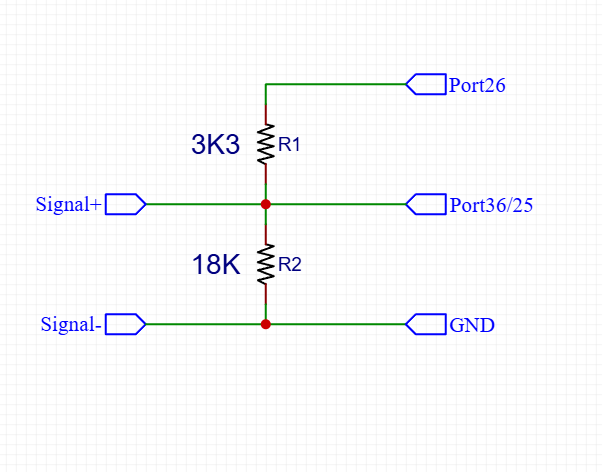
ACOM Circuit Setup
Default Pin Setup
- M5StickC Plus Input GPIO25, Output GPIO26
- M5StickC Plus SE Input GPIO25, Output GPIO26
- M5StickC Plus 2 Input GPIO25, Output GPIO26
- M5StickS3 Input GPIO1, Output GPIO0
You can change the default pin setup in the device settings.
Note: You
can use
with no resistors by setting Input/Output to same pin
Remember to use 3.3V
for the
Color digimon digivices (Which has a built-in rechargeable battery.).
because 3.3V is
dangerous for Digivices that use AAA/CR2032 batteries. so use
with 3.3k and 18k resistors for better safety.
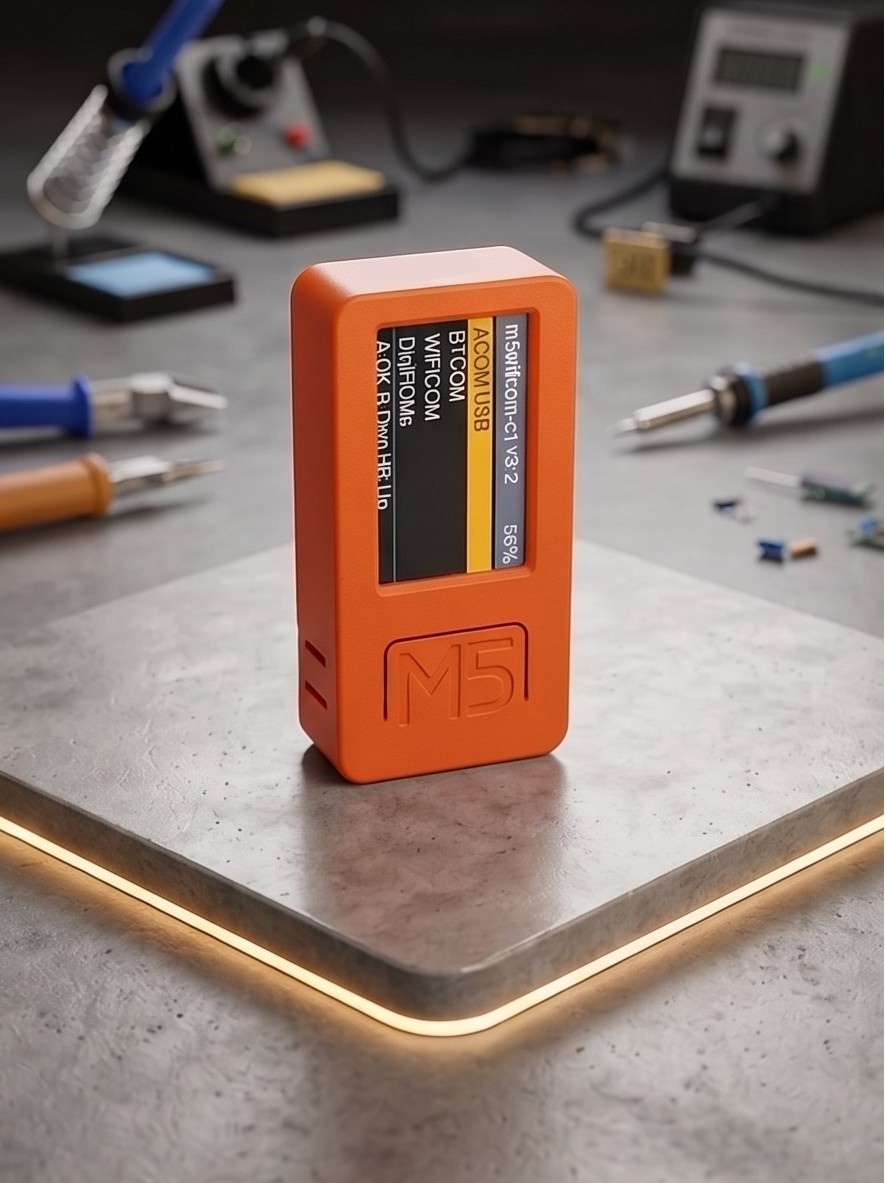
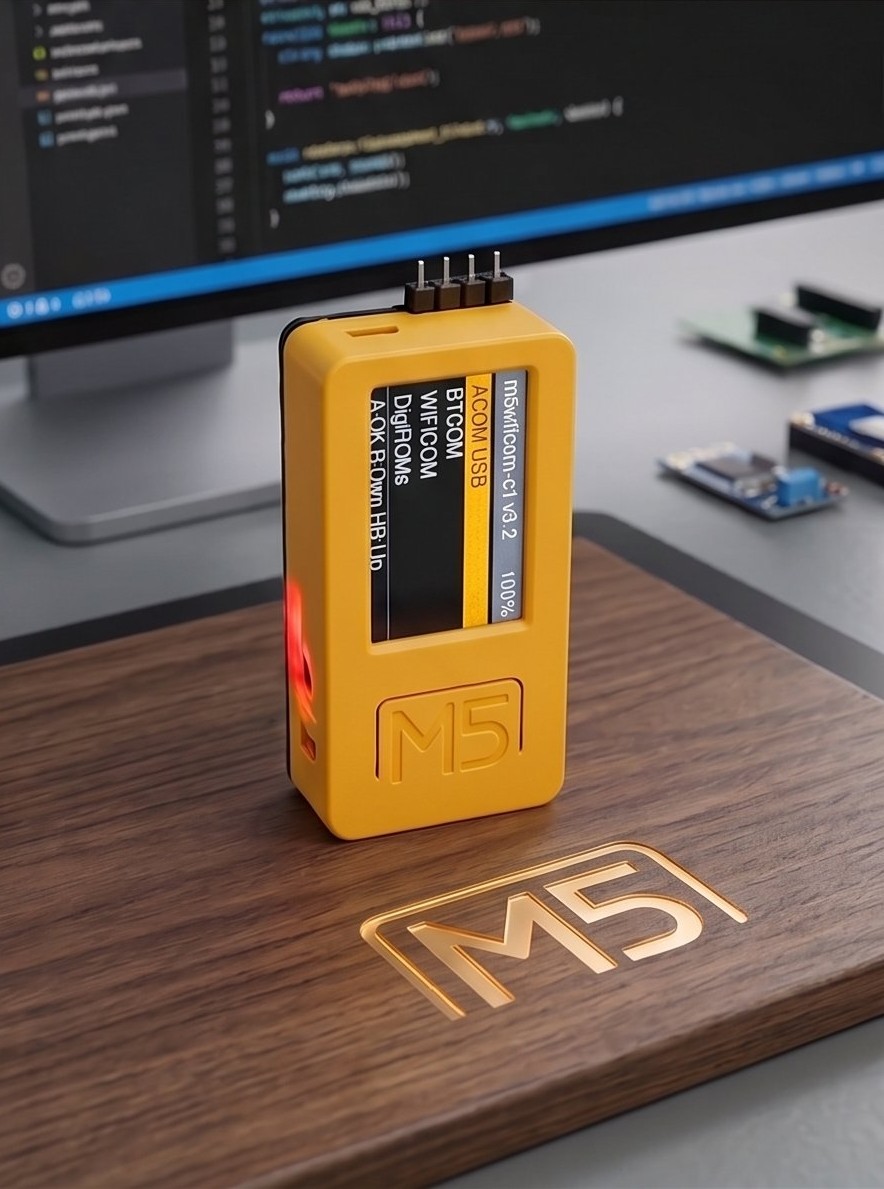
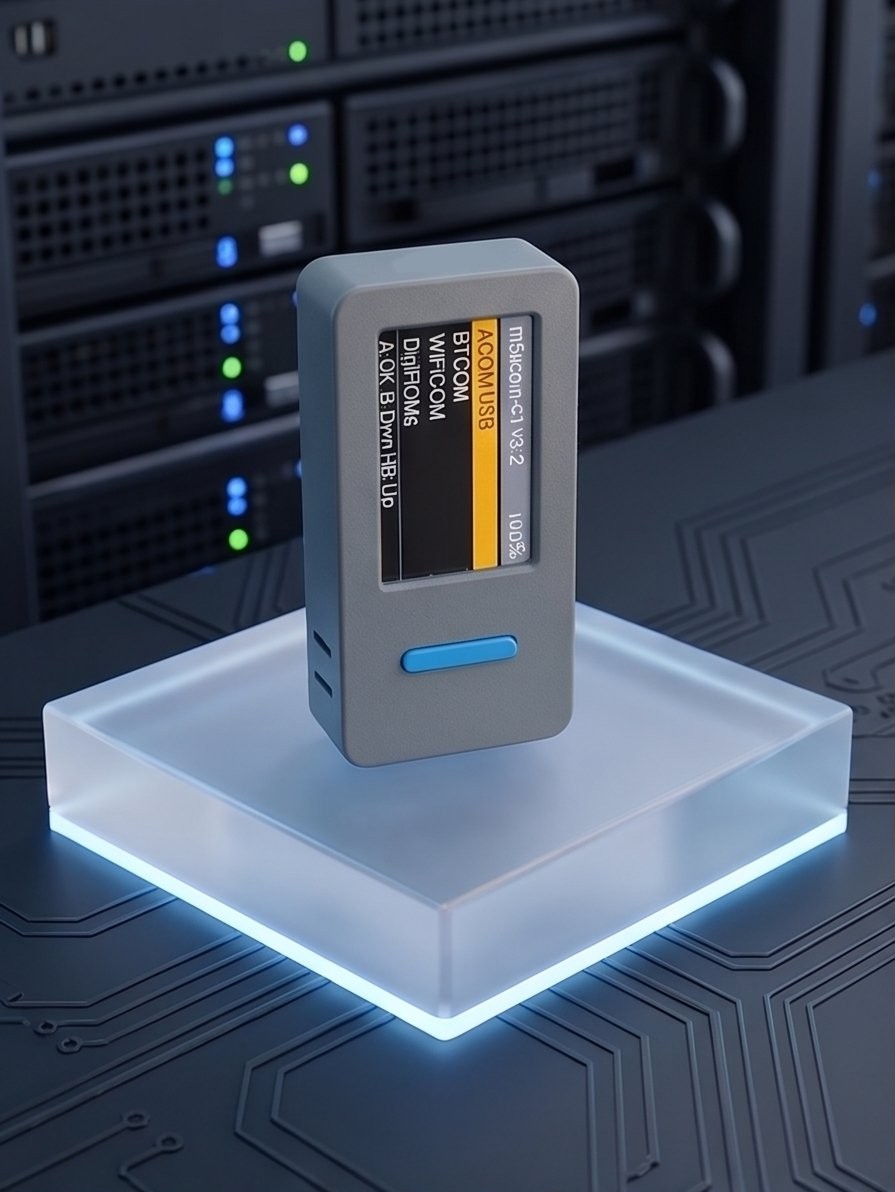
Device Photos
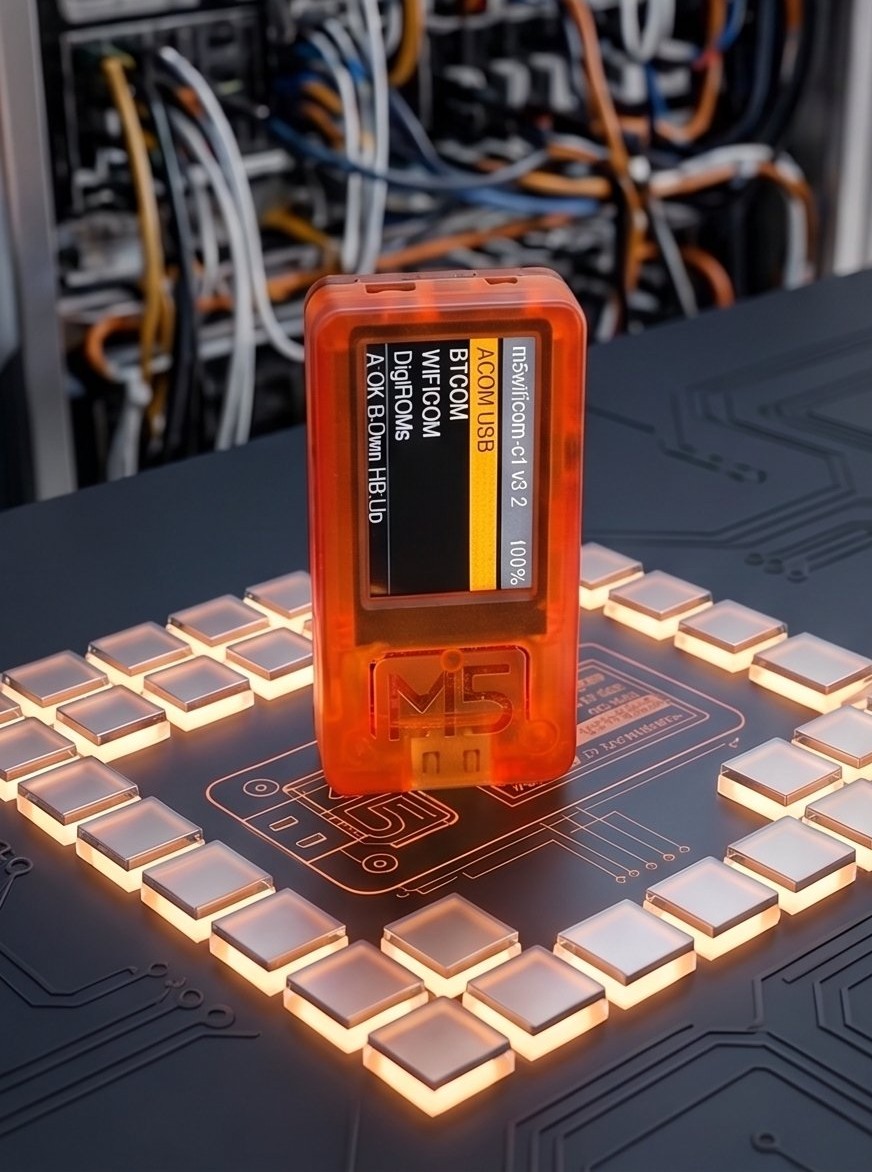
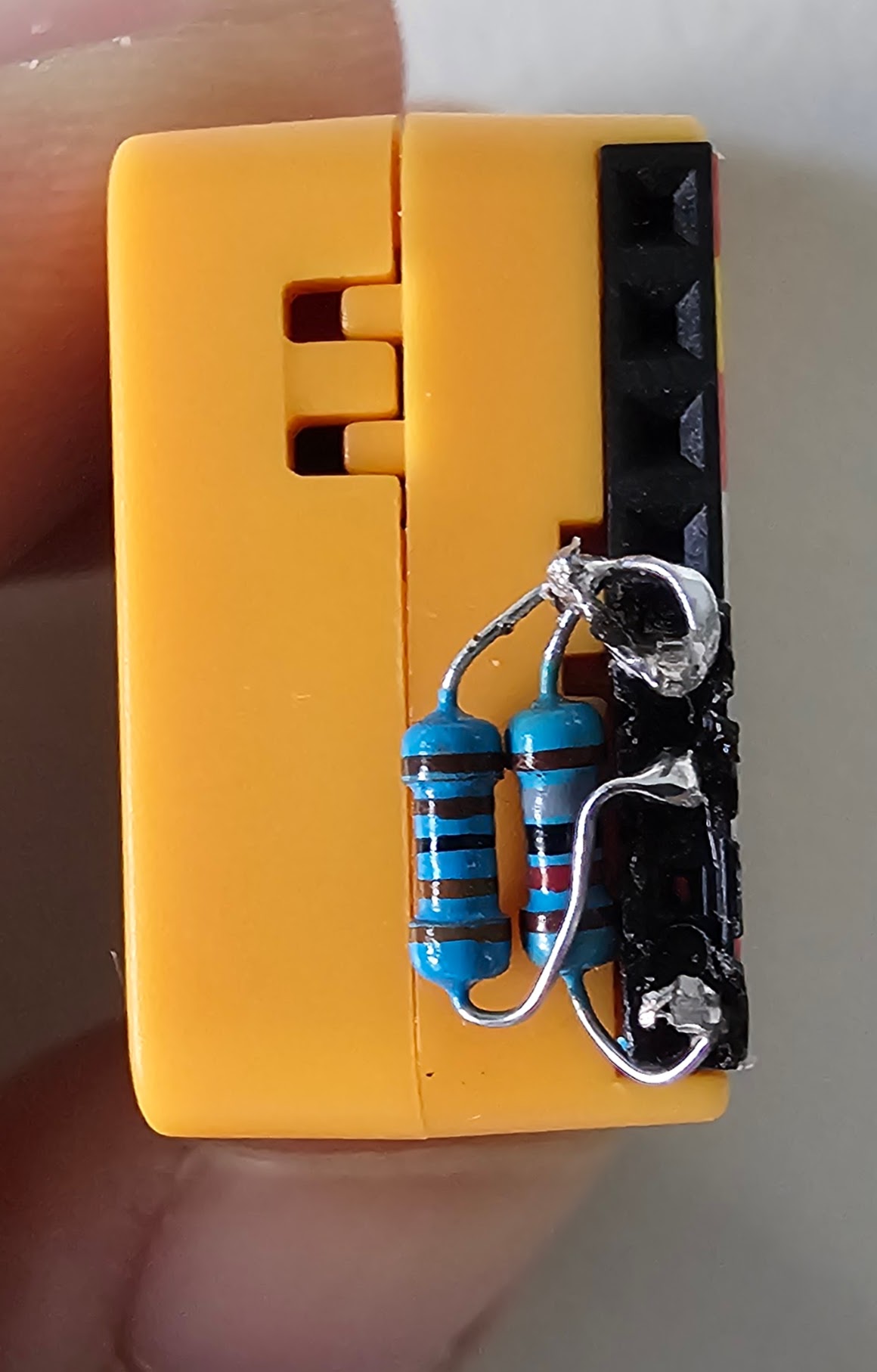
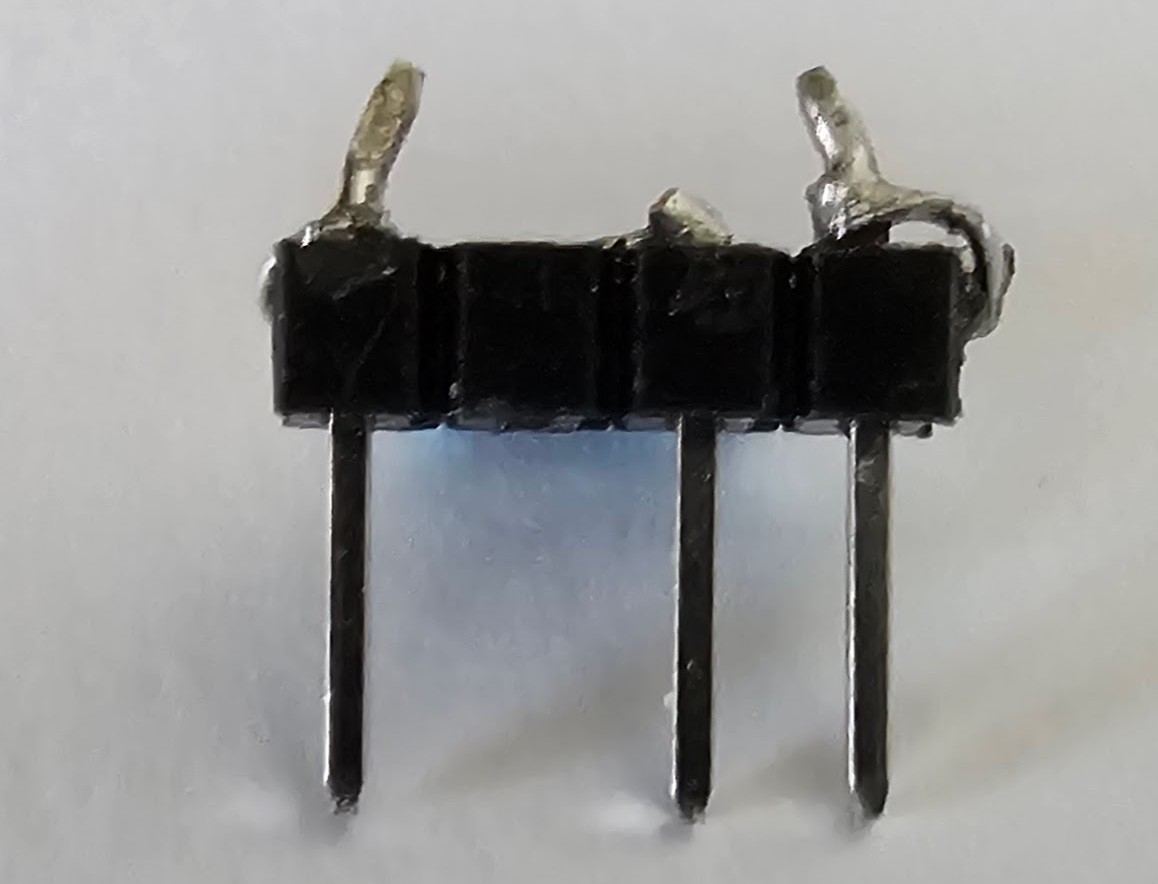
NO Resistor Circuit Setup
You can change the default pin setup in the device settings.
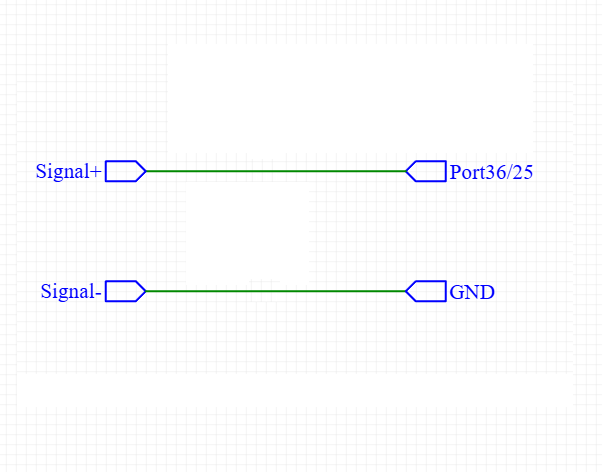
NO Resistor Pin Setup
- M5StickC Plus Input GPIO25, Output GPIO25
- M5StickC Plus SE Input GPIO25, Output GPIO25
- M5StickC Plus 2 Input GPIO25, Output GPIO25
- M5StickS3 Input GPIO1, Output GPIO1
You can change the default pin setup in the device settings.
Note: You
can use
with no resistors by setting Input/Output to same pin
Remember to use 3.3V
for the
Color digimon digivices (Which has a built-in rechargeable battery.).
because 3.3V is
dangerous for Digivices that use AAA/CR2032 batteries. so use
with 3.3k and 18k resistors for better safety.
Core Capabilities
ACOM USB
Connect to a PC via USB. Acts as a bridge for external apps to send commands. (Hold Btn A to exit)
BTCOM
Wireless Bluetooth communication mode. (Hold Btn A to exit)
WIFICOM
Connects to Wi-Fi and MQTT server for remote online battling. (Hold Btn A to disconnect)
DigiROMs
Select a device and built-in code to transmit signals directly without a PC.
Settings & Power
Configure hardware pins directly on-device. Auto-sleep activates after 15 mins of inactivity to save battery.
Supported Protocols
The firmware fully supports standard dmcomm protocols for seamless communication with various devices:
-
Classic Prongs
V, X, Y protocols
-
Color Prongs
C protocol
-
Modulated IR
DL, FL protocols
Device Controls
Quick reference for navigating the M5Stick on-device menus.
-
Btn
A
Click = OK / Select
Hold = Cancel / Back dasd
-
Btn
B
Click = Scroll Down
Hold = Scroll Up - PWR Click = Scroll Up
Firmware Flasher
Easily flash your M5Stick directly from the browser via USB.
M5StickC PLUS & PLUS SE
Version 3.7
Version 3.6
M5StickC PLUS 2
Version 3.7
Version 3.6
M5StickS3
Version 3.7
Version 3.6
Device Configurator
Connect your device to read, write, and manage settings.